Image trends

Neon Eyes Cinematic Photo Generator

Turn a portrait into a cinematic moment beneath giant neon eyes. Pick a scene and make it yours.

Choose your scene

Make your Neon Eyes photo

Reference

Add a portrait or start with a prompt

Check reserved credits before generating

Explore the photo prompts
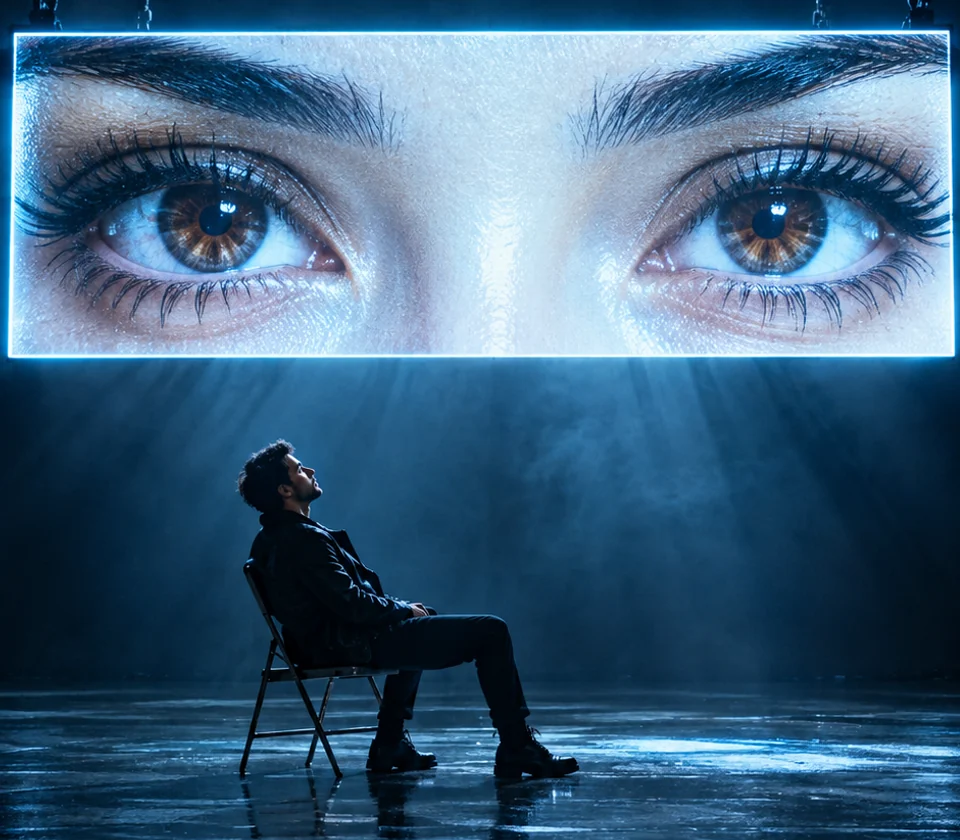
An adult man in black sits beneath a giant cyan screen displaying two eyes, with blue reflections on the studio floor.
Cyan screen

Three Neon Eyes Cinematic Photo prompts to make your own

Keep the monumental eyes. Change the subject, setting and light. Load a prompt into the generator, then edit any detail.

These original AI-created images illustrate each visual direction. Results vary with your references, prompt, model and settings.

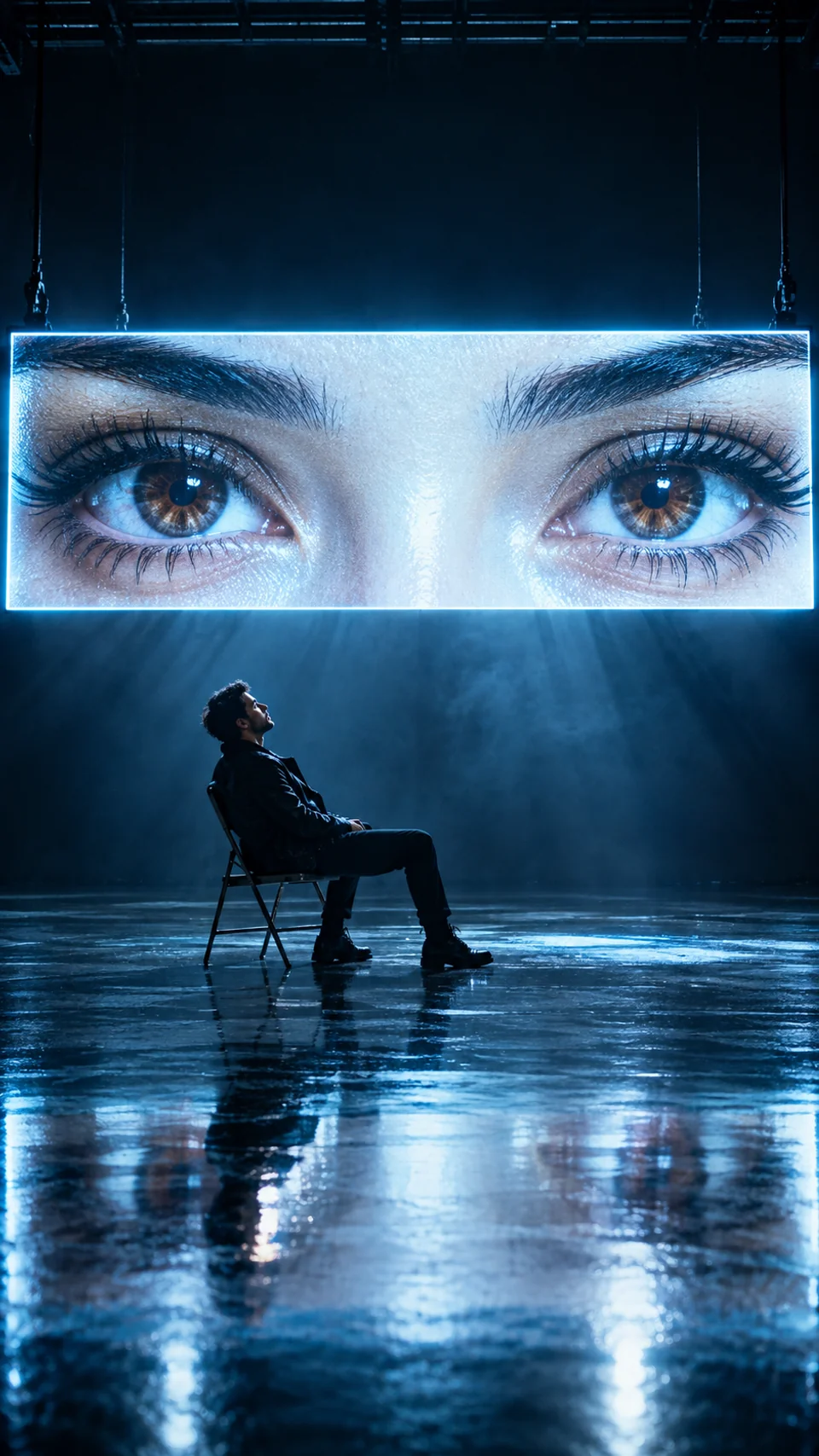
An adult man in black sits beneath a giant cyan screen displaying two eyes, with blue reflections on the studio floor.

Cyan screen

A seated silhouette, an immense eye screen and electric-blue reflections across a dark studio floor.

Read prompt

Create one vertical 9:16 cinematic photograph in a vast dark studio. An adult man in black sits on a folding chair, leaning back and looking up; include his entire body and chair. Above him, an enormous horizontal LED screen shows a detailed pair of brown eyes, framed tightly from eyebrows to lower eyelids. Keep the lower face outside the screen. Bright cyan-white edges cast blue light onto his profile, jacket and the polished black floor. Use restrained haze, strong reflections, realistic skin and fabric, and deep shadows. If portraits are attached, use the first for the seated person and the second, if present, for the eye features; otherwise create fictional adults. Keep natural anatomy. No lettering, logo or watermark.
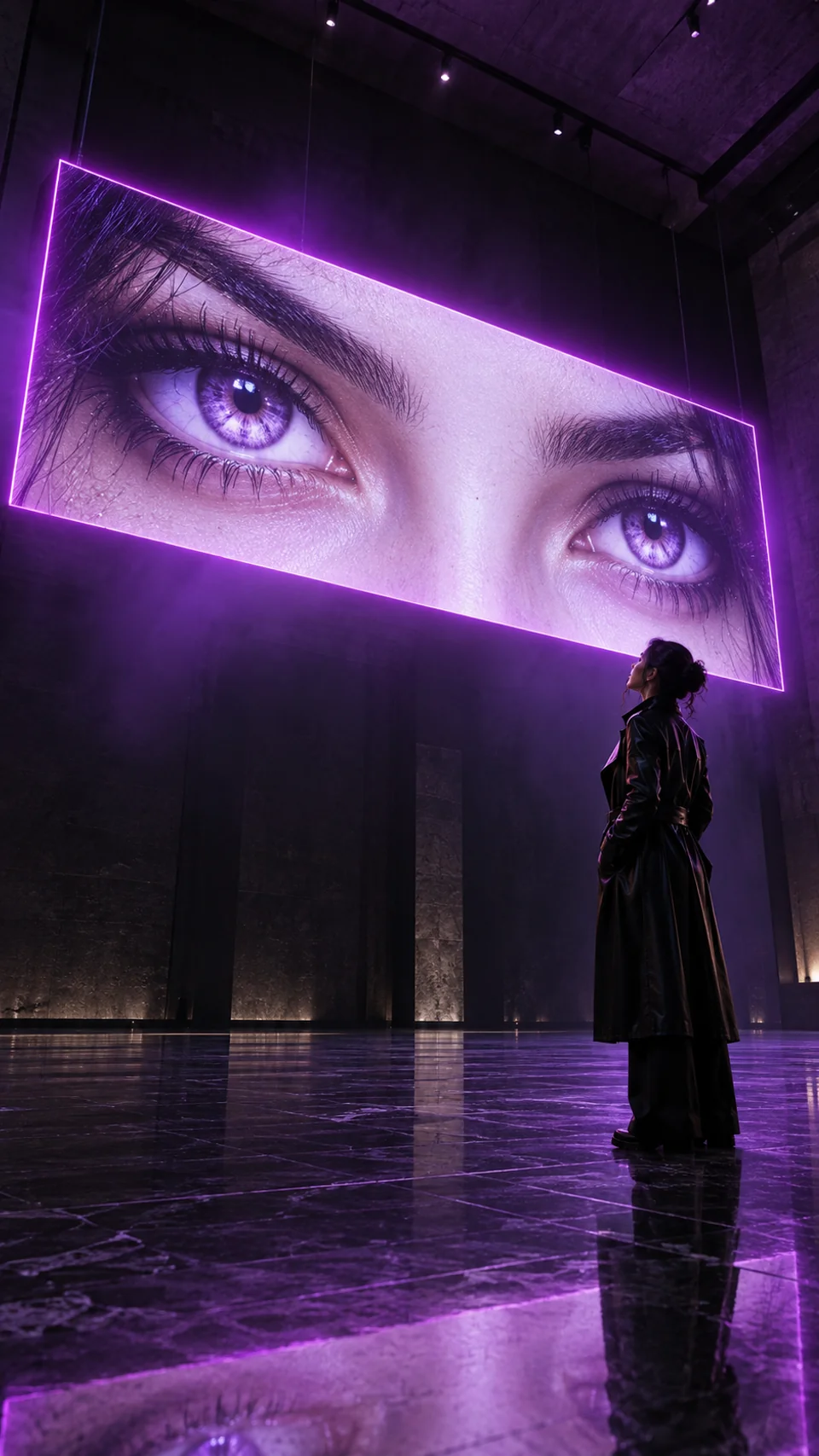
An adult woman in a black coat stands in a dark gallery below a monumental violet display of two eyes.

Violet gallery

A standing portrait beneath a violet eye installation, framed by towering gallery walls and lavender light.

Read prompt

Make a single vertical 9:16 fashion photograph inside a tall contemporary gallery. An adult woman in a long black coat stands in profile beneath a monumental rectangular eye installation, her feet and reflection visible. Show two luminous violet eyes on the installation, cropped close around eyelids and brows with no mouth or lower face. Photograph from a low angle to emphasize the screen's scale. Violet light washes the stone floor and traces the subject's silhouette; a narrow magenta screen edge cuts through light haze. Preserve texture in the deep shadows. If references are attached, use the first for the standing subject and an optional second for the eye features. Otherwise invent fictional adults. Natural proportions, one person, one screen, no text or watermark.

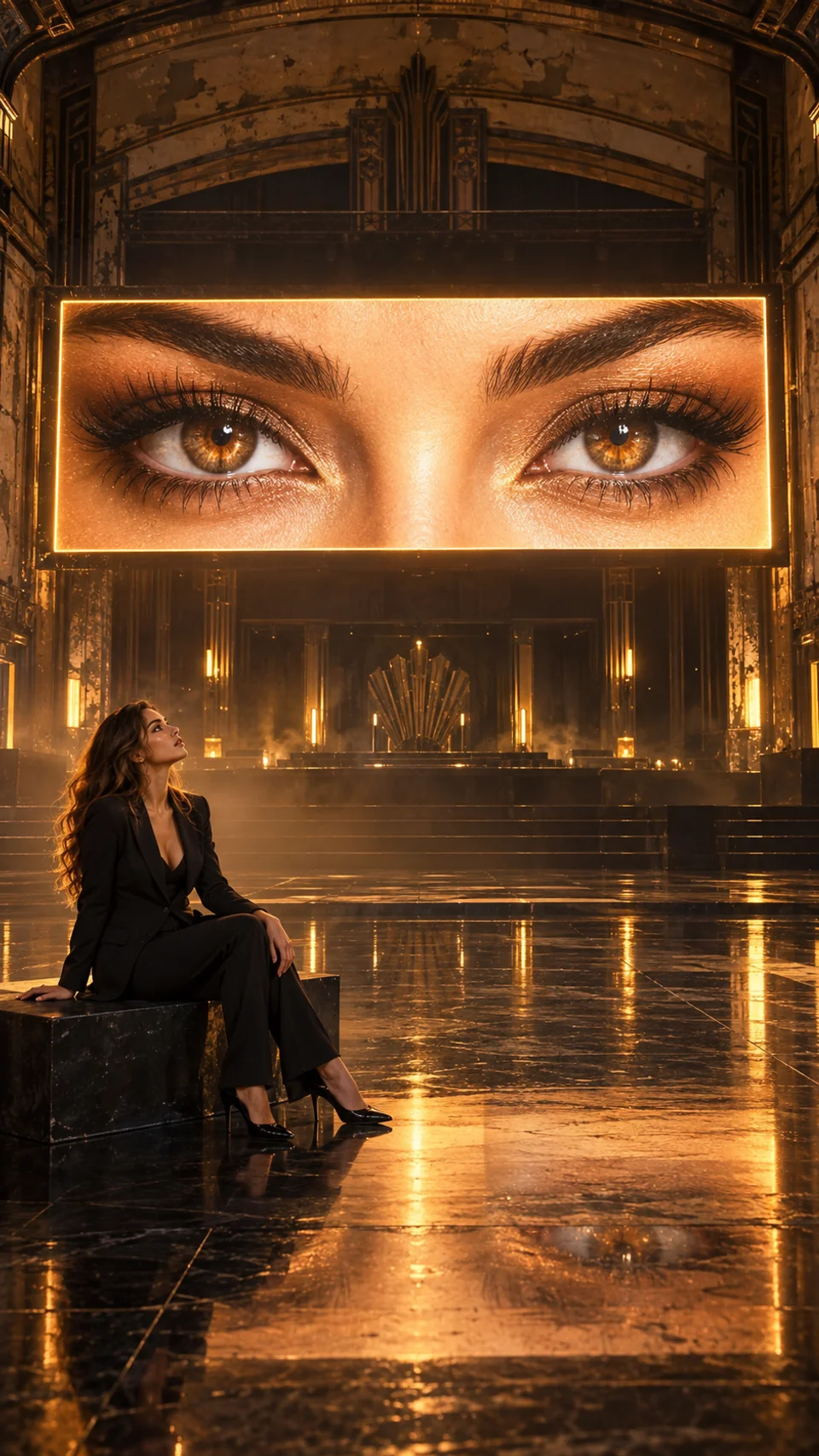
An adult woman sits on a bench in a dark theatre beneath giant amber eyes, with golden light reflected across the floor.

Amber theatre

Warm eye light fills an empty theatre, turning a quiet seated portrait into a dramatic golden scene.

Read prompt

Produce one vertical 9:16 cinematic portrait in an empty Art Deco theatre. An adult woman in a tailored black suit sits sideways on a low bench, looking toward a huge horizontal LED display overhead. Keep her whole body in the frame. The display contains only two expressive amber-brown eyes, eyelids and eyebrows, tightly framed without the rest of the face. Let golden light from the screen illuminate her cheek, suit edges and the glossy floor. Add subtle bronze haze, rich charcoal shadows and believable photographic texture. Keep the screen much larger than the foreground subject. With attached portraits, use the first for the seated subject and an optional second for the eye features; without them, create fictional adults. No extra people, distorted limbs, text, branding or watermark.

How to create a Neon Eyes Cinematic Photo

  1. Choose the scene and framing

    Select a color direction and read the prompt. Choose 9:16 in the model settings for a vertical portrait, where supported.

  2. Add your portrait

    Start from text, or sign in and upload a clear portrait with an image model that accepts references. Add a second photo for the eyes if supported.

  3. Generate, then refine

    Check the model settings and reserved credits, then submit. Review the eye crop, anatomy and reflections; describe one change at a time in the workspace.

Detail of the luminous cyan eye screen and the blue light it casts onto the seated subject.

What gives Neon Eyes Cinematic its impact?

Let the eyes fill the screen
Ask for a close crop between eyebrows and lower eyelids. Exclude the mouth and lower face so the eye installation stays unmistakable.
Make the screen light the room
Carry the same neon color onto the face, shoulders and floor. Coherent rim light and reflections make the portrait feel grounded.
Keep the person small enough
Leave space between the subject and the installation. A readable full-body silhouette beneath enormous eyes creates the scene's scale and tension.

Neon Eyes Cinematic Photo Generator FAQ

Reference photos, eye crops, image settings and generation credits.

What is a Neon Eyes Cinematic Photo?

It is a still-image style that places a person beneath an enormous illuminated image of two eyes. Deep shadows, neon rim light and floor reflections create the cinematic look. This generator creates images.

Do I need one reference photo or two?

You can start with a text prompt alone. For a personal portrait, use a reference-capable image model and attach a clear photo. If the model supports multiple references, add a second photo and specify that its eyes belong on the screen. Use photos you have permission to upload.

Will it preserve the face in my reference photo?

A reference image and a clear identity instruction can guide the result, but exact likeness is not guaranteed. Check the face, eye shape, hairstyle and proportions after generation, then request a focused correction if needed.

How do I stop the whole face appearing on the screen?

Describe the screen as an extreme close crop of two eyes, framed from just above the eyebrows to below the lower eyelids. Explicitly exclude the nose tip, mouth and chin. If the crop is still too wide, ask for a tighter screen crop while keeping the rest of the image unchanged.

Which aspect ratio should I choose?

Choose 9:16 in the model settings for a tall portrait like the examples, if the selected model supports it. Use a supported landscape ratio for a wider composition, and update the prompt to match. Available ratios and resolutions depend on the model.

How many credits does a Neon Eyes photo cost?

The reserved credits shown in the generator depend on the model, resolution and reference inputs. Review that amount before submitting. This page uses the same image generation and credit rules as AI Image Generator; the final charge follows the completed task's billing rules.

More ways to create an image

Explore other image styles, edit a reference photo or start with a different prompt.

AI Image Generator