
Give your ideas a sense of motion
Describe a scene, camera movement and mood. Start from text or use an image as the opening frame.
Create videoAI image & video studio
Generate images, turn stills into motion, and shape each result through a conversation.
Create a visual from a prompt, refine it with references, or direct the next shot.
Describe a scene, camera movement and mood. Start from text or use an image as the opening frame.
Create video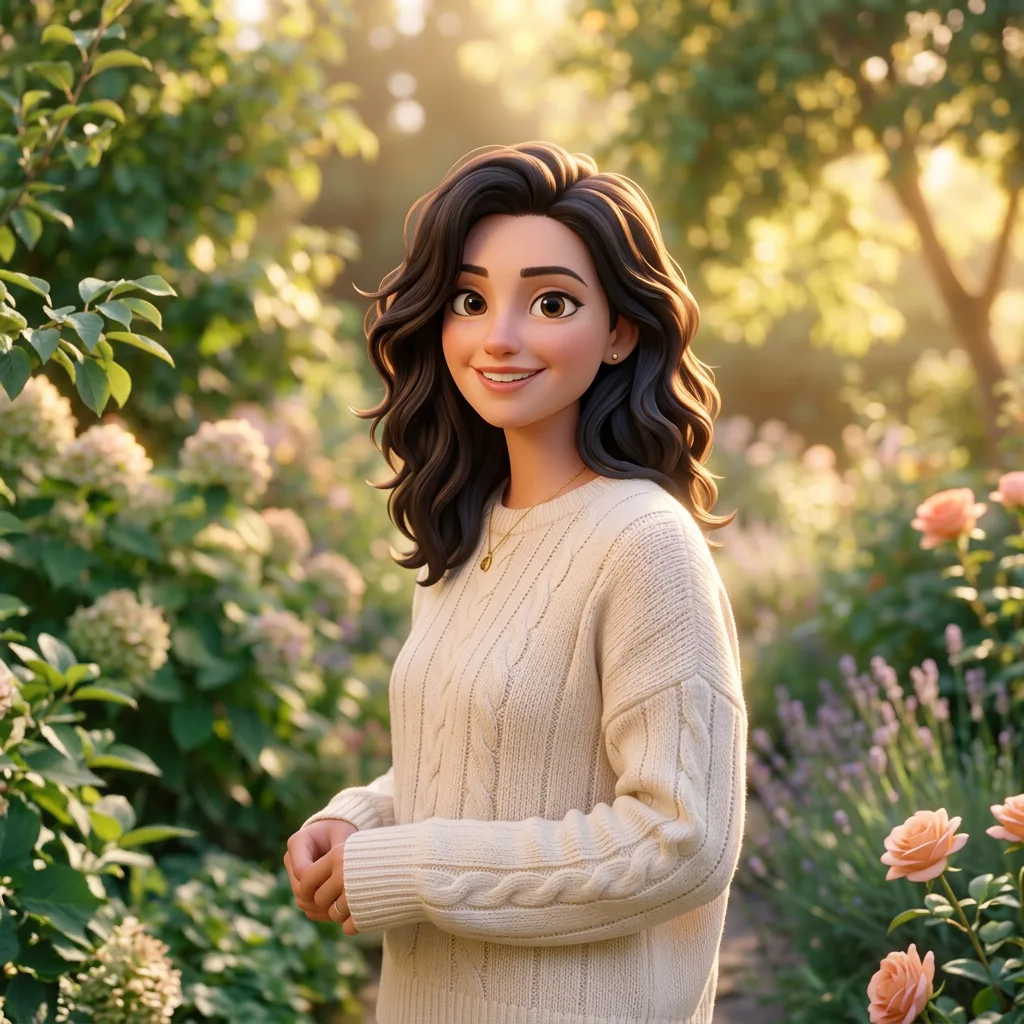
Create portraits, illustrations and visual concepts. Add a reference image to guide the next version.
Create imageExample media supplied with the image and video templates. Results vary with the model, prompt and settings.
Keep the brief, references and follow-up instructions together. Ask for a new composition or a different camera move in the same chat.
Return to saved conversations and find generated images and clips in your library, ready to preview or download.
You can generate images from text, use reference images for edits, and create videos from text or an opening frame. Switch between image and video modes in the composer.
Start with a few words. Add a reference when you have one.