
A little cat. A big performance.

AI Cat Singing

Give your cat its main-character moment. Start with a photo or a prompt, set the scene, and create a playful singing cat video.

Pick a scene to start

Make your singing cat video

Reference

  • Your cat photo is optional
  • Text to video or image to video
  • Credit reservation shown before you create

Sign in to upload a photo and generate. For a singing soundtrack, choose a model that supports generated audio and enable it when available.

Three stages for your AI cat singing video

A heartfelt living-room solo, a subway serenade, or one big stage moment. Pick a starting prompt and make it your own.

Original AI scene previews accompany the prompts below. Choose a prompt to create your own video; the voice, mouth movement and appearance depend on your model and settings.

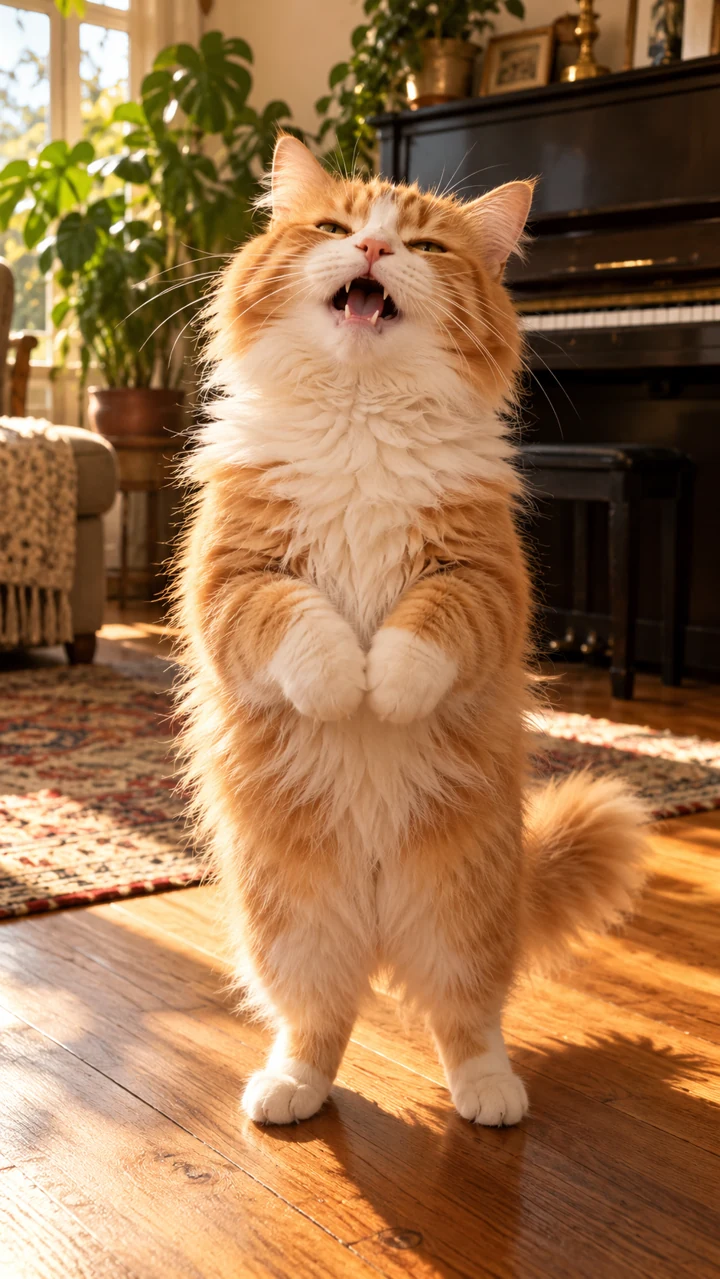
An orange-and-white cat steps into warm window light and puts its whole heart into the final note.

Living-room solo

An orange-and-white cat steps into warm window light and puts its whole heart into the final note.

Starting prompt

Create a playful, photorealistic singing cat video in a cozy living room with a piano and warm afternoon light. If a cat photo is attached, preserve that cat's face, eye color, coat pattern and proportions; otherwise use one fluffy ginger-and-white cat. At a low camera angle, the cat rises onto its hind paws, takes two small steps toward the lens, then sings with gentle mouth movements and a slow head sway. End with its chin lifted and eyes softly closed on a held note. Keep natural feline paws, muzzle and teeth, consistent fur, and one cat throughout. Use a steady continuous shot. If generated audio is available, add an original wordless meow melody with soft piano. No recognizable song, human hands, human teeth, captions or logos.
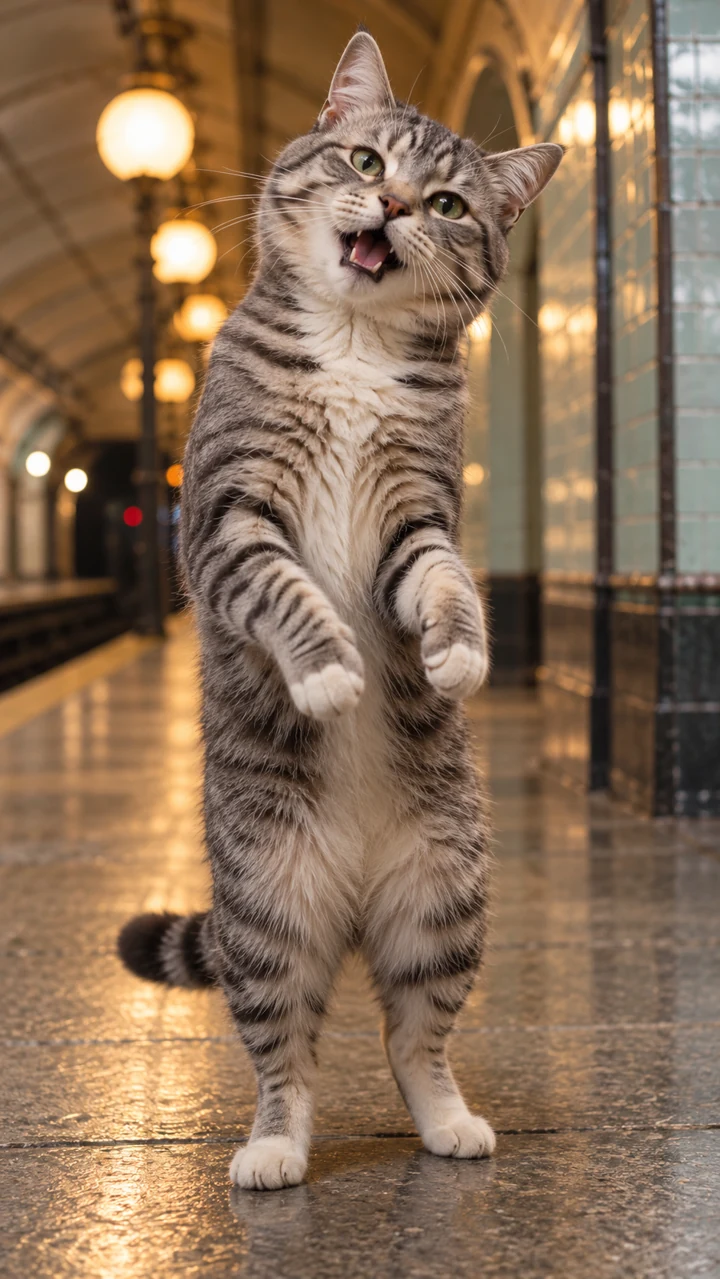
A silver tabby turns an empty tiled platform into its own little concert, with a tilted head and an earnest meow.

Subway serenade

A silver tabby turns an empty tiled platform into its own little concert, with a tilted head and an earnest meow.

Starting prompt

Create a photorealistic singing cat on a quiet vintage subway platform with pale tiled walls and softly glowing station lights. If a cat reference is attached, use it as the only source for the cat's identity; otherwise use one silver-gray tabby with green eyes. Frame the cat at eye level in one steady shot, safely away from the platform edge. It stands upright on its hind paws, opens its mouth in short singing phrases, tilts its head from side to side, then closes its eyes for a gentle final note. Keep the same coat markings and natural feline anatomy in every frame. If generated audio is supported, use a new wordless meow tune with a light acoustic accompaniment and subtle station ambience. No train approaching, human teeth, extra paws, readable signs, captions or logos.

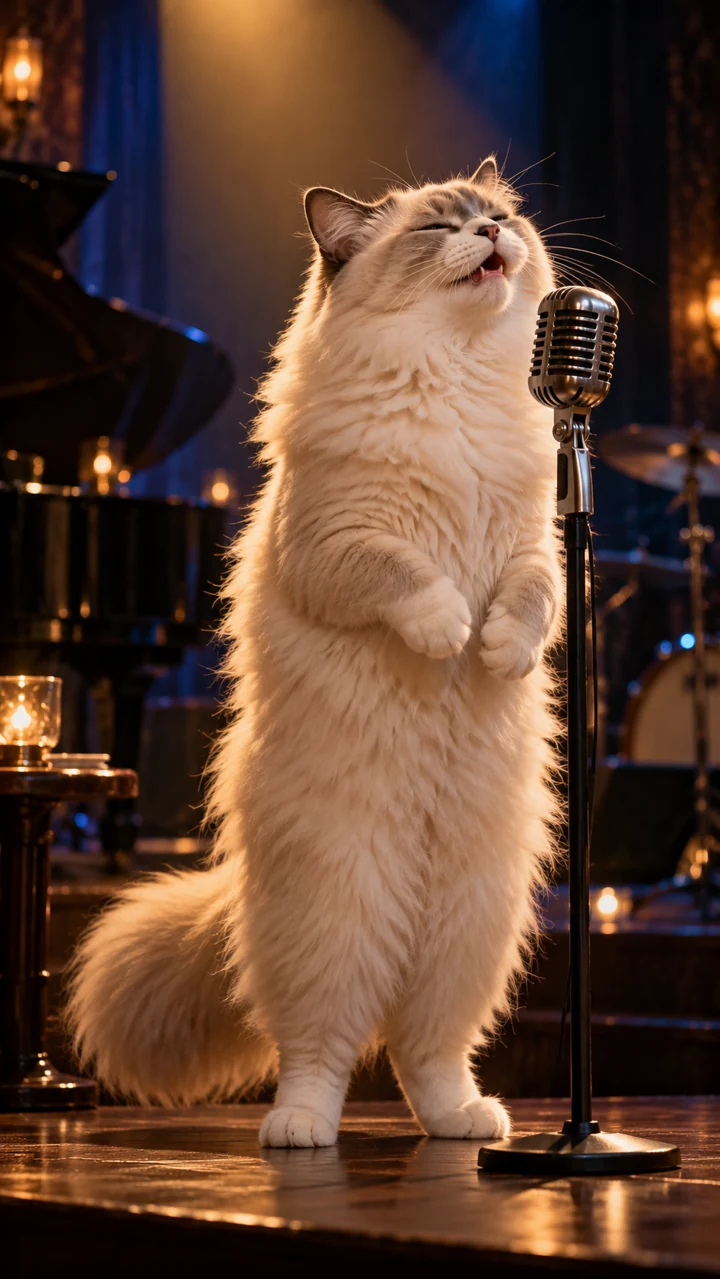
A fluffy cream cat leans toward a vintage microphone, lifts its chin, and holds the big note under a golden spotlight.

Spotlight superstar

A fluffy cream cat leans toward a vintage microphone, lifts its chin, and holds the big note under a golden spotlight.

Starting prompt

Create a cinematic, photorealistic cat singing on a small wooden concert stage. If a cat photo is attached, retain its exact face, eyes and coat markings; otherwise use one fluffy cream ragdoll cat. A vintage microphone sits on a stand beside the cat's mouth. Under a warm spotlight with a soft blue backlight, the cat stands on its hind paws, sways gently and sings toward the microphone. Move the camera slowly from a medium shot to a close-up as it lifts its chin and closes its eyes on the final note. Front paws remain natural cat paws and never hold the microphone like hands. Keep fur and facial anatomy consistent. If generated audio is supported, add an original wordless meow ballad with sparse jazz piano. No recognizable artist or song, human teeth, extra limbs, text or logos.

How to make a singing cat video

  1. Start with your cat

    Upload one clear cat photo with an image-to-video model, or describe a cat to create a new character from text.

  2. Set the performance

    Use a scene prompt, then change the room, mood or movements. Keep one cat and one simple camera move.

  3. Choose your video settings

    Pick the model, supported duration and resolution. Use 9:16 when available for vertical clips, and enable generated audio for a soundtrack.

  4. Generate, review and download

    Check the credit reservation before submitting. Review the face, paws, mouth movement and sound in the result, then download the finished clip.

Small details make a better performance

One face, good light

Choose a sharp photo showing both eyes, the nose and whiskers. Include the chest and paws if you want a standing shot. Avoid collages or multiple pets.

Describe the little movements

A slow head tilt, short mouth openings and closed eyes on the final note give the model a clear sequence. Ask for feline paws and teeth to reduce human-like features.

Treat the soundtrack as a choice

A singing pose does not guarantee sound. Choose a model with generated audio for an original meow melody, or add music you have rights to in an editor afterward.

AI Cat Singing FAQ

Photos, sound, prompts and what to expect before you generate.

What is AI cat singing?

AI cat singing is a playful generated video of a cat performing like a singer, with mouth movement, head sways and an expressive final note. This page uses the same video creation workflow as our AI Video Generator, with cat-focused starting prompts.

Do I need a photo of my own cat?

No. A text-to-video model can create a cat from your description. To start with your own cat, select a model that supports image references and upload a clear photo. Reference images guide appearance, but do not guarantee an identical result.

Will my cat video have singing audio?

Audio depends on the selected model and settings. When generated audio is supported, enable it if a switch is offered and ask for an original wordless meow melody. Some models create silent video. A prompt alone cannot enable an unsupported audio feature.

Can I make my cat sing a specific song with exact lip sync?

This page does not provide a dedicated song library, voice recorder or guaranteed word-for-word lip sync. Reference-audio input is available only for models that support it. For a specific track, use audio you have rights to and review synchronization, or add it in a video editor.

How can I keep my cat looking like itself?

Use one well-lit photo and describe the eye color, face shape and distinctive coat markings. Keep the camera move gentle and the action simple. Fur patterns, paws and mouth shape can still change during generation, so check the full clip before sharing.

Is AI Cat Singing free to use?

You can browse the prompts without signing in. Uploads and generation require an account, and generation uses credits. The reservation shown in the tool depends on your model and video settings. Review it before submitting; the sample images do not represent a free generation offer.

Can I download and share my singing cat video?

Completed videos use the existing workspace preview and download controls. Choose a supported aspect ratio for your destination. Use photos and audio you have permission to use, review the result, and follow the destination platform's AI-content labeling rules.

Your cat has a song in mind.

Choose a scene, add a little personality, and make the next performance yours.