Write a clearer prompt for your next image
Describe the subject, composition, and light, then refine one part of the image at a time.
A useful image prompt gives the model a scene it can work with. Before choosing a long list of style words, decide what belongs in the frame and what should draw the eye.
Open the image studio, select a model, and check the available output settings. Options vary by model, so use the controls shown for your selection.
Start with a subject and a place
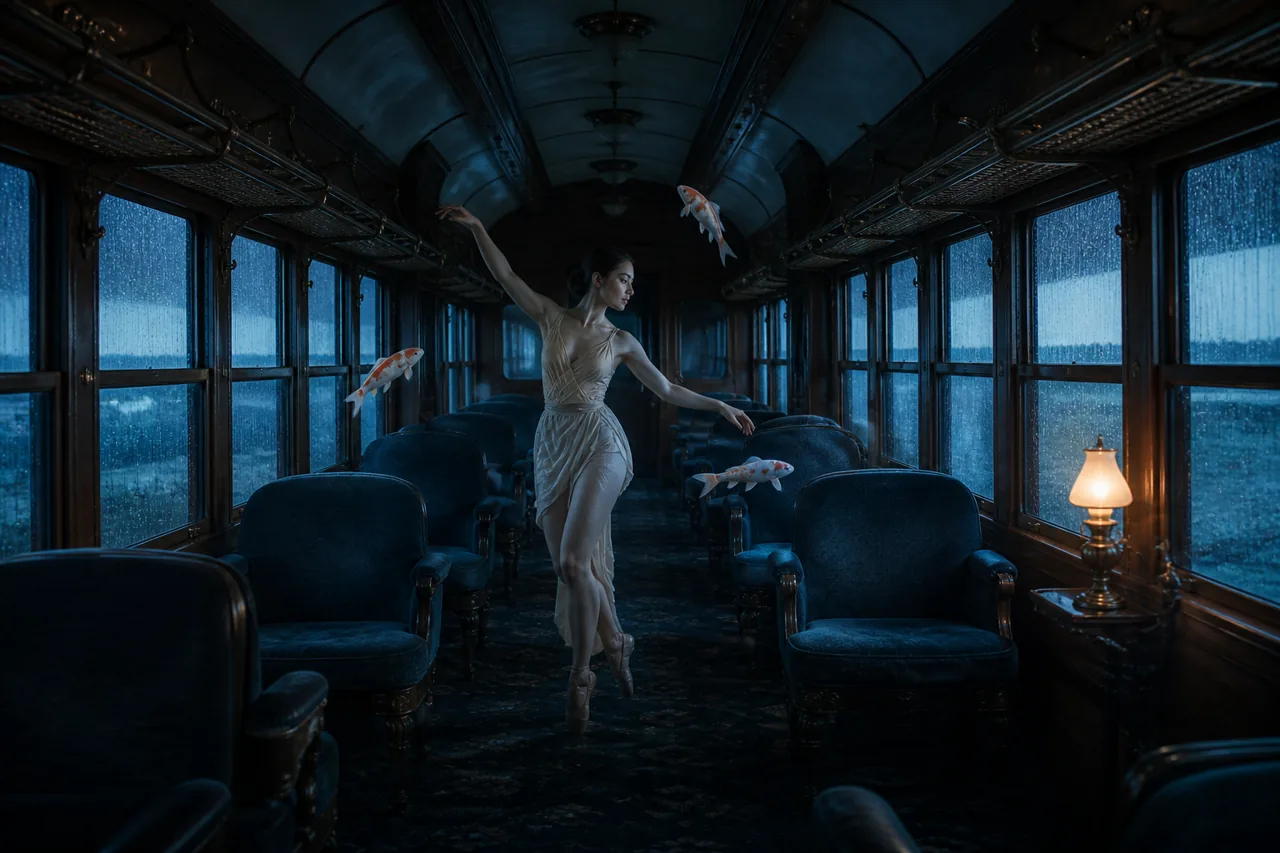
Name the main subject and describe its surroundings. A person in a train carriage gives you a starting point. A dancer standing in the aisle of an old train, with rain on the windows, gives you a more specific composition to explore.
For a first attempt, keep the scene manageable. Give the main subject one clear action and leave out objects that do not help the picture.
Here is a prompt you can adapt. It describes an imagined scene, rather than a guaranteed result.
A dancer stands in the aisle of an old train carriage. Three small porcelain koi float near her shoulder. Rain streaks the windows. Cool blue window light, a quiet expression, and a full-body composition with space around the subject.
Describe the view and the light
Specify whether you want a close portrait, a full-body image, or a wide view of the setting. Choose the output ratio in the controls when your model supports that setting.
Describe where the light comes from. Soft window light, direct afternoon sun, and overhead fluorescent light suggest different images. Choose one direction before adding more instructions.
If you want an illustration, say so plainly. If you want a photographic image, describe the material, environment, and lighting you need. You can then judge how the selected model interprets those choices.
Use a reference when a detail matters
Attach a reference image when you want to guide an edit or carry a visual idea into another result. Check that the selected model accepts image inputs. A text-only model will not offer the same reference workflow.
Say which part of the reference should guide the image. You might ask to keep the composition while changing the light, or to keep the subject while moving it into another setting. Review the output before relying on any fine detail.
Change one thing in the next attempt
Look at the result and name the part you want to change. A follow-up such as “keep the composition and make the window light warmer” gives you a clear revision to assess.
Avoid changing the subject, setting, and visual style all at once if you want to understand what helped. Check the maximum credit amount before submitting each new request. The credit guide explains how that amount relates to the final charge.
When you have a still image you like, the image-to-video guide walks through planning its next movement.